Dimspace · Music
MŪS.
Apple Music, distilled. Five views. Zero noise.
Let your muse guide what plays next.

Dimspace · Music
Apple Music, distilled. Five views. Zero noise.
Let your muse guide what plays next.
"Every great playlist begins with a single song. MŪS just helps you find it." The MŪS Philosophy
How it works
No rabbit holes. No algorithmic overwhelm. MŪS gives you exactly five ways to engage with your music—each one purposeful, each one yours.
Your next song is already waiting. MŪS seeds your queue from your play history and the community—so it's never empty. Search the entire Apple Music library and add anything.
Two lenses on your past. Most Played ranks your favourites in descending order. Rediscover surfaces songs you love but haven't heard in a while, sorted by how long it's been.
Curate from anywhere. Create lists and build them up song-by-song from any other view in the app. Simple, direct, no ceremony.
What's the community listening to that you've never played? A live stream of recent community listens filtered to tracks outside your history. Discovery without the algorithm.
Queue
The moment you open MŪS your queue is alive. The app intelligently populates it from what you've played before and what the community is loving right now—then gets out of your way. Find any song in the Apple Music catalogue and drop it wherever you want.
History
History isn't just a log—it's two distinct windows. Switch to Most Played to revisit your all-time favourites, or flip to Rediscover to find songs you gave a thumbs-up to years ago that have quietly drifted out of your rotation.
Unheard
See what the MŪS community has been listening to—filtered to only songs that aren't in your history. No recommendations engine, no personalisation bubble. Just other people's taste, unfiltered.
Settings · Your Icon
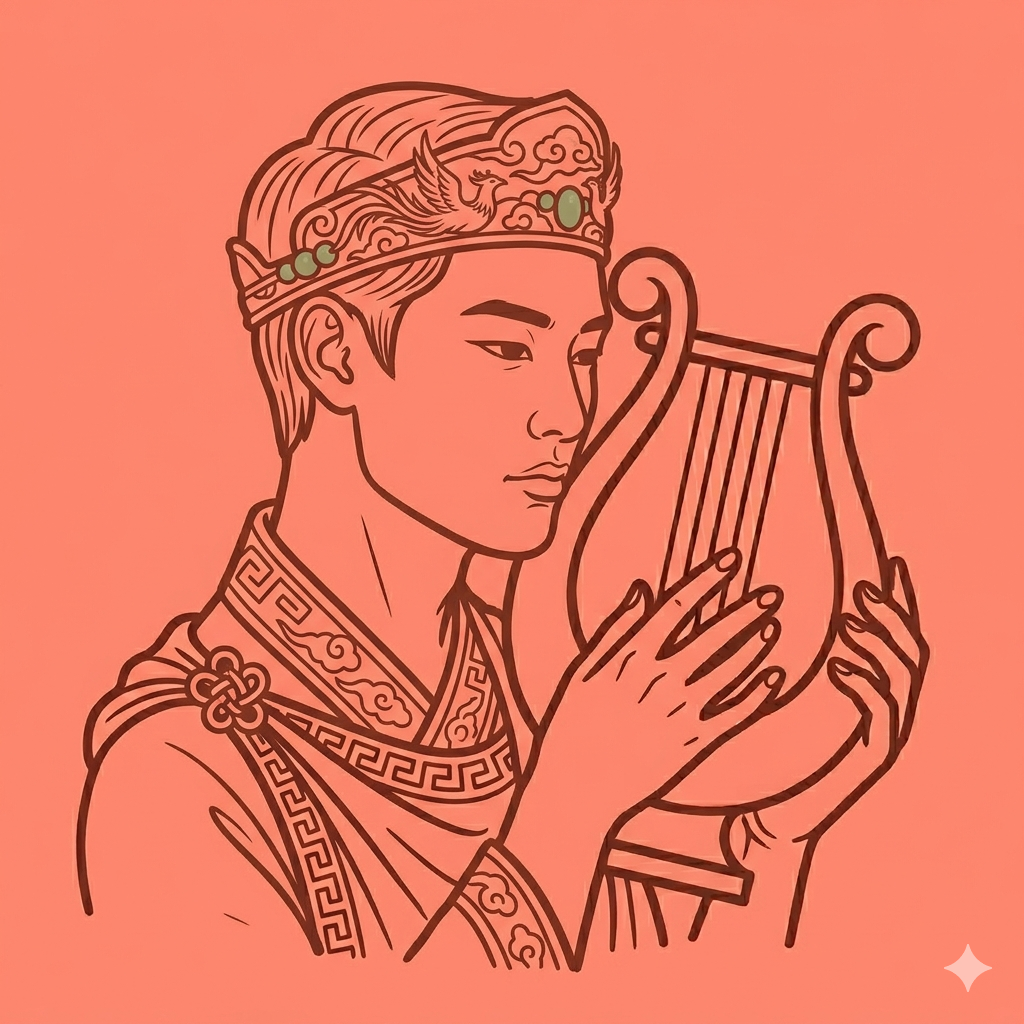
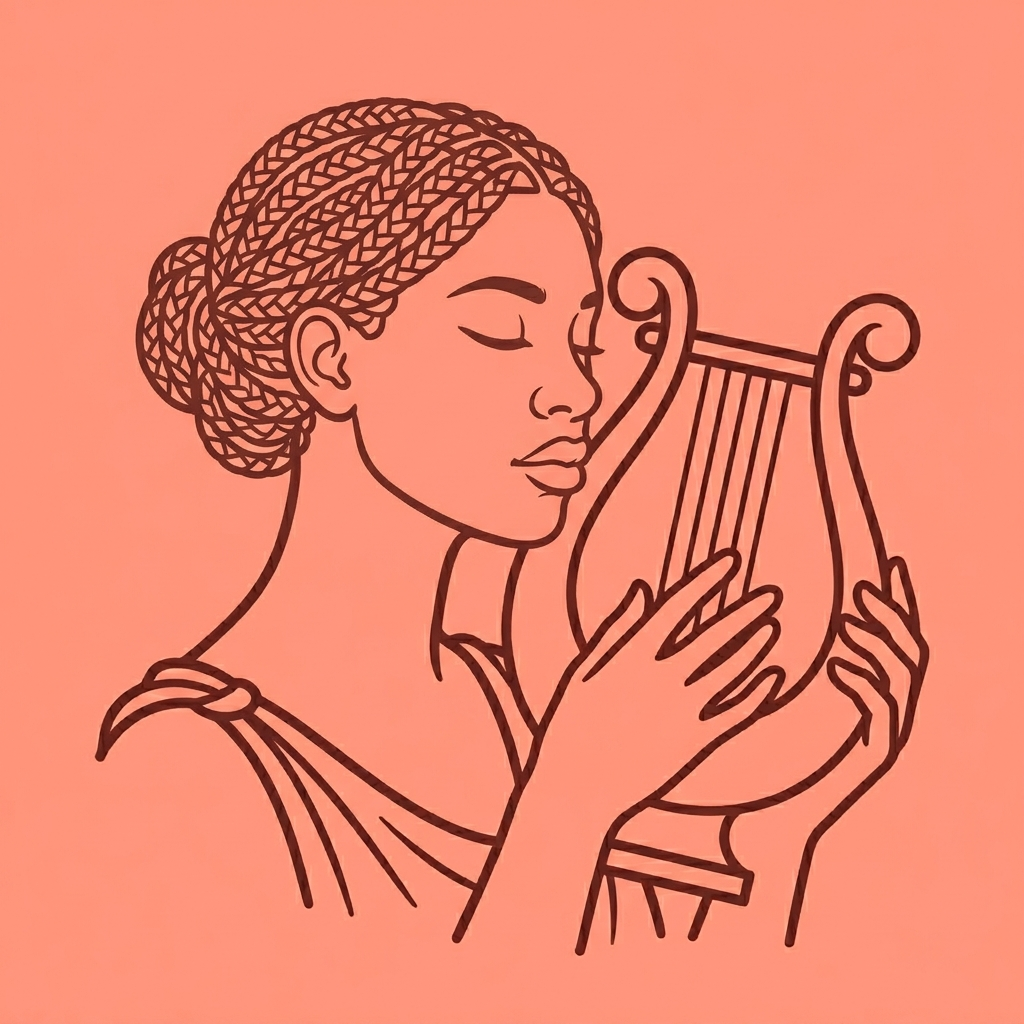
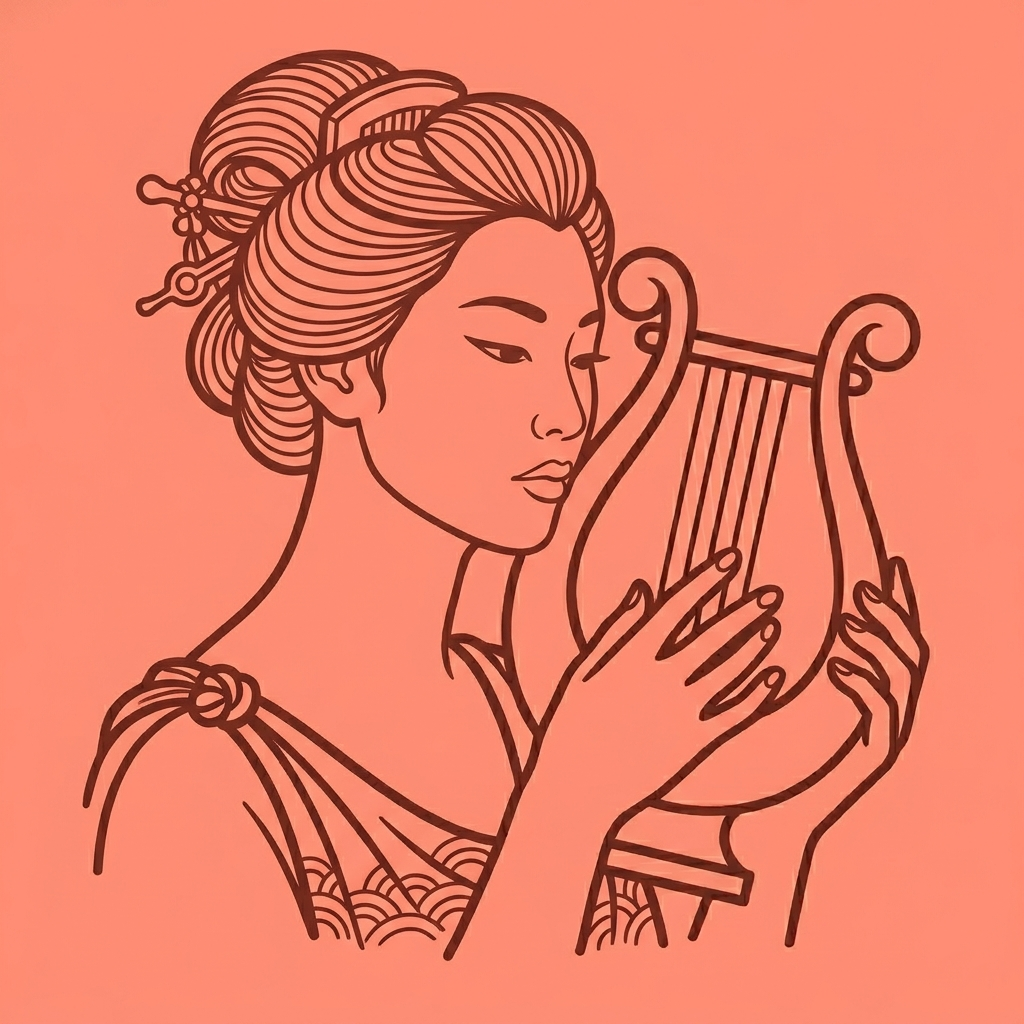
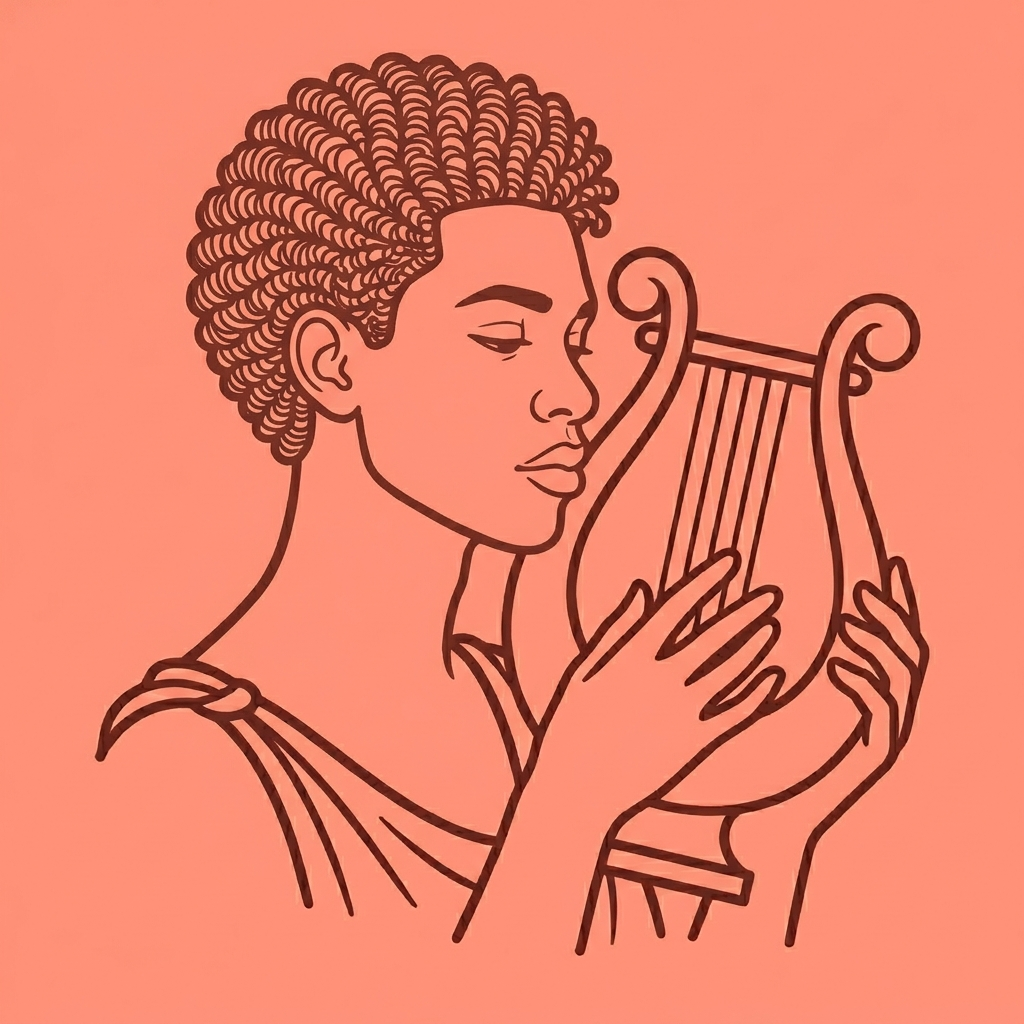
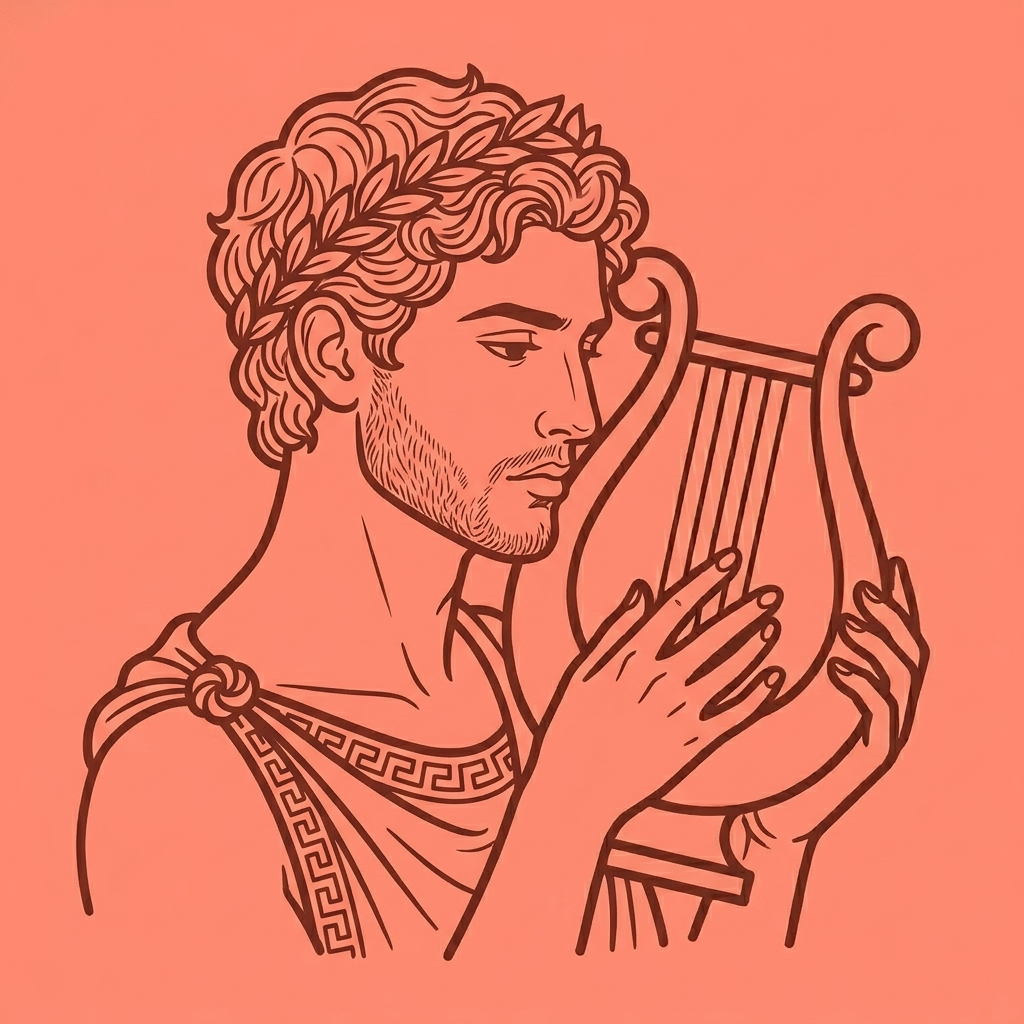
Your muse is the face of MŪS on your home screen. Six figures, each one a distinct spirit of music. Pick the one that speaks to you—and switch any time.
Select
Select
Select
Select
Select
Select